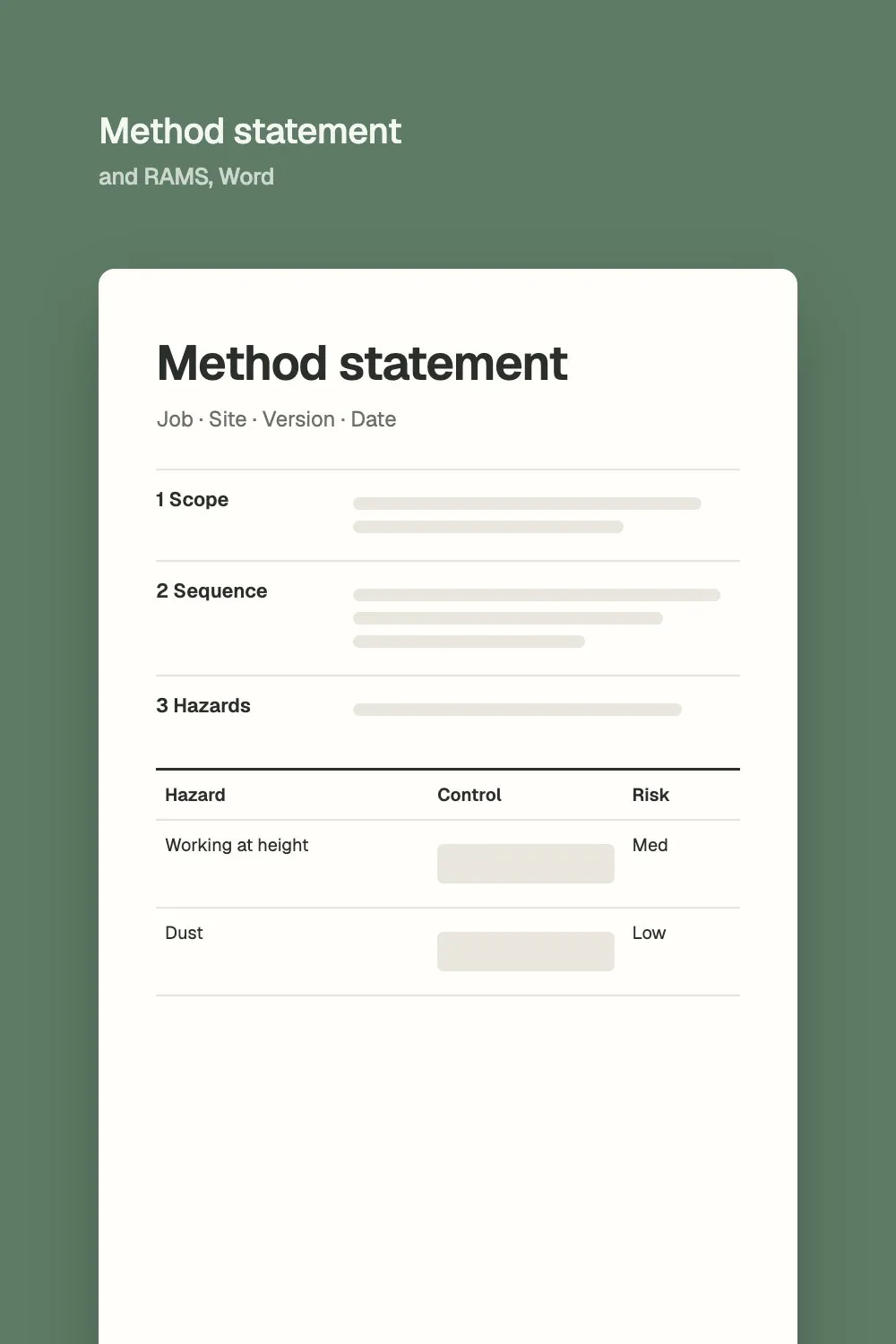
Method statement and RAMS
Word and PDF, with the risk assessment table and a briefing record
Last checked 4 October 2026
Four free templates in Word and PDF, with no email needed: a snagging list with a photo reference column, a site diary, a monthly progress report and a variation order. With each one: what it's for and what goes in it.
The paperwork that keeps a job on track and gets you paid, in a layout your team can fill in on site. Each template is written out below, as well as in the files.
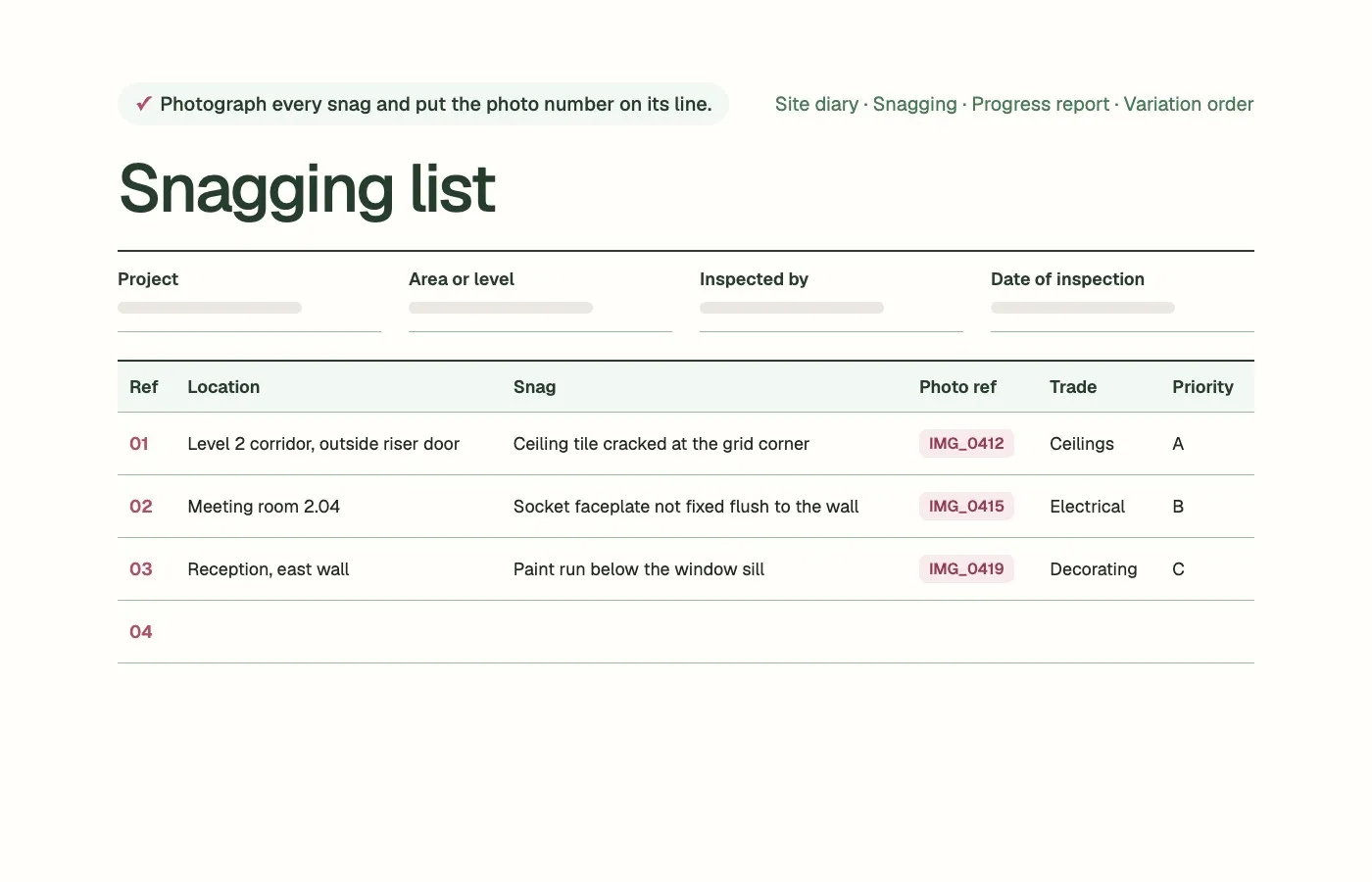
With a photo reference column, on a landscape page
Labour, work done, deliveries, instructions and delays
Programme, key dates, safety, payment, risks and next month
Word file of the monthly progress reportPDF of the monthly progress report
The change, the reason, the cost and the time, signed by both sides
A snagging list, or snag list, records the defects and unfinished items found when work is inspected, usually as a job nears handover. Each line says where the snag is, what's wrong, who will fix it and by when, so nothing gets missed and the client can sign the work off.
Clearing snags quickly helps your cash too. The government's 2017 consultation on retention described the usual practice as releasing half the retention at completion and the rest after the defects period, so an open snag list can hold up money you're owed.
A good snag takes six things:
Say exactly where it is: level, room, wall or gridline.
Describe what's wrong, not just the item.
Photograph it and put the photo number on the line.
Name the trade that will fix it.
Give it a priority and a target date.
Sign it off once it's fixed and checked.
Snagging list
Photograph every snag and put the photo number on its line.
One line per snag. Say exactly where it is, so whoever fixes it can find it without asking.
| Ref | Location | Snag | Photo ref | Trade | Priority | Target date | Fixed (date, initials) | Checked by |
|---|---|---|---|---|---|---|---|---|
Priority: A, fix before handover. B, fix by the agreed date. C, minor or cosmetic. The Word file has room for 10 snags on a landscape page.
Snags closed out
| Name | Signature | Date | |
|---|---|---|---|
| Contractor | |||
| Client or representative |
Free to use and change. Check it against your own site before use.
A site diary is the daily record of what happened on site: who was there, the weather, the work done, deliveries, visitors, instructions received, and any delays or problems with the hours lost. Written up on the day, it's the record you'll reach for when someone later asks what happened and when.
Keep it short and factual. If an instruction is given to you on site, note it in the diary and confirm it in writing the same day.
Site diary
Fill it in on the day, and sign it before you leave site.
01Labour on site
Every company on site today, the trade and how many people.
| Company | Trade | Number | Working on |
|---|---|---|---|
02Work done today
By area or level. Say what was finished, not just what was worked on.
| Area or level | Work done | Finished? |
|---|---|---|
03Plant and deliveries
Plant on site and what arrived. Note anything short, late or damaged.
| Plant or delivery | Supplier | Note |
|---|---|---|
04Visitors and inspections
| Name | Company | Reason for visit |
|---|---|---|
05Instructions received
Any instruction from the client, designer or main contractor, and who gave it. Confirm spoken instructions in writing.
| From | Instruction | Reference |
|---|---|---|
06Delays and problems
What happened, when, and what it held up. Note the hours lost.
| What happened | Work affected | Hours lost |
|---|---|---|
07Health and safety
Accidents, near misses, toolbox talks held, and any work you stopped.
08Photos taken
Photo numbers and what they show, so you can find them later.
Signed
| Name | Signature | Date |
|---|---|---|
Free to use and change. Check it against your own site before use.
A monthly progress report tells the client where the job stands: progress against the programme, key dates and any change to them, health and safety, labour, information you're waiting for, variations, payment, risks and next month's work. Keep the same headings every month so changes stand out.
Monthly progress report
Send it on the same day each month, under the same headings.
01Summary
Three or four lines: where the job stands, what changed this month and anything the client needs to decide.
02Progress against the programme
Status is on track, behind or ahead. Say why for anything behind.
| Stage or activity | Planned % complete | Actual % complete | Status | Comment |
|---|---|---|---|---|
03Key dates
| Milestone | Contract date | Forecast date | Change in days |
|---|---|---|---|
04Health and safety
| This month | To date | Notes | |
|---|---|---|---|
| Accidents | |||
| Near misses | |||
| Inspections | |||
| Toolbox talks held |
05Labour and resources
Average numbers on site by trade, and any shortfall.
06Information needed
Open questions and design information, with the date you need an answer.
| Question or request | Date asked | Needed by | From |
|---|---|---|---|
07Variations and instructions
| Ref | Description | Status | Value, if agreed |
|---|---|---|---|
08Valuations and payment
| Application | Amount applied for | Amount certified | Date paid |
|---|---|---|---|
09Risks and issues
| Issue | Effect | Action | Owner |
|---|---|---|---|
10Next month
The work planned for next month, and any access or information you need for it.
11Photos
Photo numbers with a caption each. Put the photos at the end of the report.
Free to use and change. Check it against your own site before use.
A variation order records a change to the work you were contracted to do: what's changing, why, who instructed it, and its effect on cost and programme. Getting it agreed in writing before the work starts protects your payment, because a change nobody signed for is harder to get paid for later.
Your contract decides who can instruct a change, how it's valued and any time limit for telling the other side, so check those clauses and use your contract's own terms on the form.
Variation order
Check your contract for who can instruct a change and any notice period.
01What is changing
Describe the change against the original scope. Attach drawings or marked-up photos.
02Why
Who asked for it and why: a client request, a design change or something found on site.
03Drawings and documents affected
| Drawing or document | Revision | Note |
|---|---|---|
04Effect on the programme
| Extra working days | Activities affected | Effect on the completion date |
|---|---|---|
05Cost of the change
Say how it's valued: contract rates, a quotation or daywork.
| Description | Amount (£) | |
|---|---|---|
| Labour | ||
| Materials | ||
| Plant | ||
| Subcontract | ||
| Preliminaries | ||
| Overheads and profit | ||
| Total |
Agreed
Both sign before the work starts, or record why it started first.
| Name | Position | Signature | Date | |
|---|---|---|---|---|
| Contractor | ||||
| Client or contract administrator |
Free to use and change. Check it against your own site before use.
Document control means everyone works from the latest version and can find any record later. For site paperwork, that comes down to one place to keep it, a numbering system, a revision on every document, and a log of what was issued to whom and when.
Keep each job's paperwork in one shared place, with the same folders on every job.
Number everything: snags, variations, reports and photos, so one document can point to another.
Put a revision and a date on every document.
Keep an issue log of what went to whom, and when.
File the day's paperwork the same day.
If you use Microsoft 365, keeping site records in SharePoint or Teams also puts them where Copilot can find them, for the people allowed to open them. The guide to using AI with the systems you already run explains what to check first.
AI saves the most time on the write-up. From the photos and voice notes taken on a walk-round, it can draft the snagging list with locations and trades filled in. From a month of site diary entries, it can draft the progress report's summary, delays and look-ahead. A person checks every line before it goes out.
What you send
Voice note: “Level two corridor, just outside the riser door. Ceiling tile's cracked at the corner of the grid. One for the ceiling fixers, before handover.”
↓→
What AI drafts
Example
The site manager checks the line against the photo before it goes on the list.
Give it
Always check
Before your team puts site photos and reports into AI, agree what can go in. The AI policy template covers it in two pages.
Word and PDF, with the risk assessment table and a briefing record
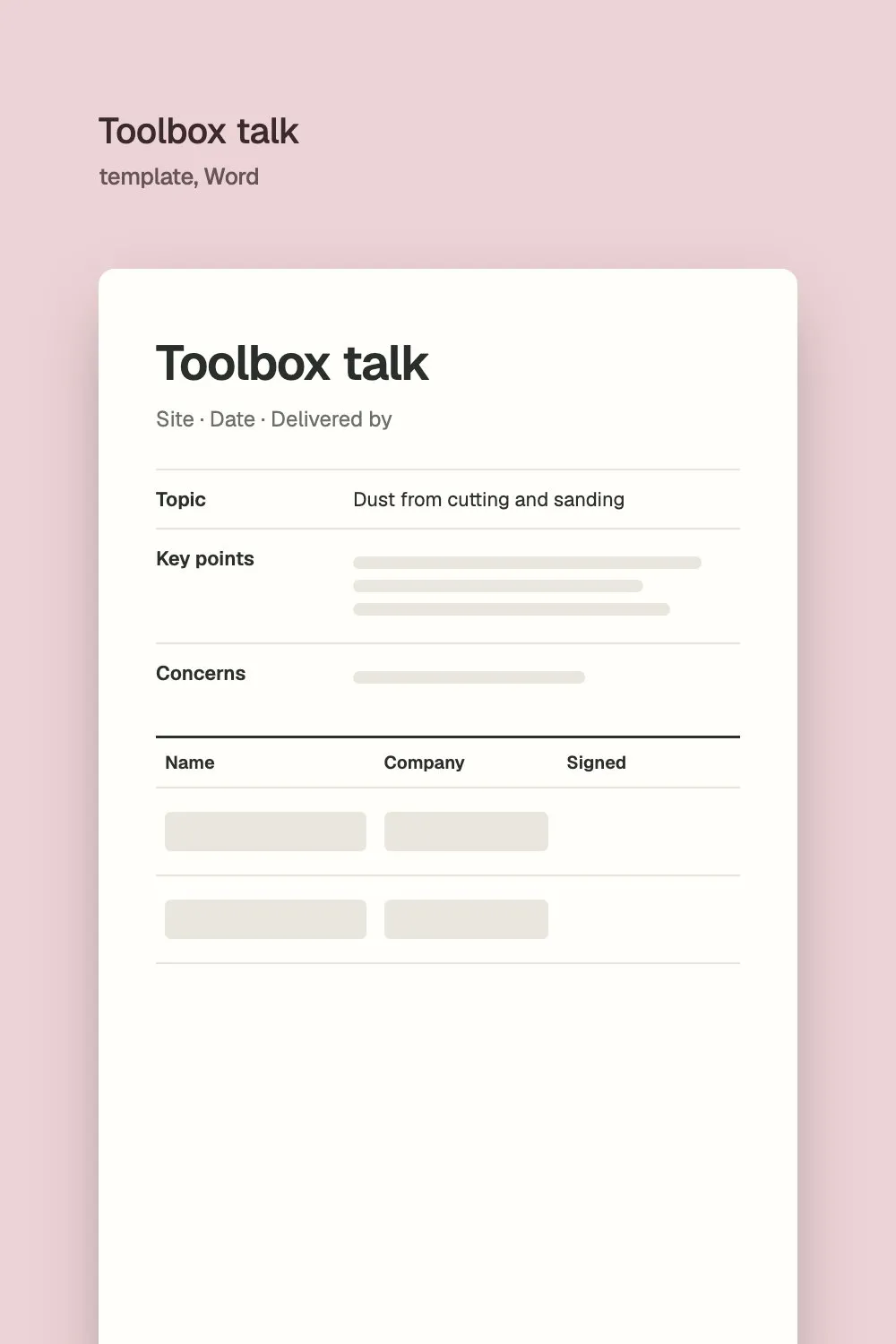
One page with a record of who attended, plus five starter talks
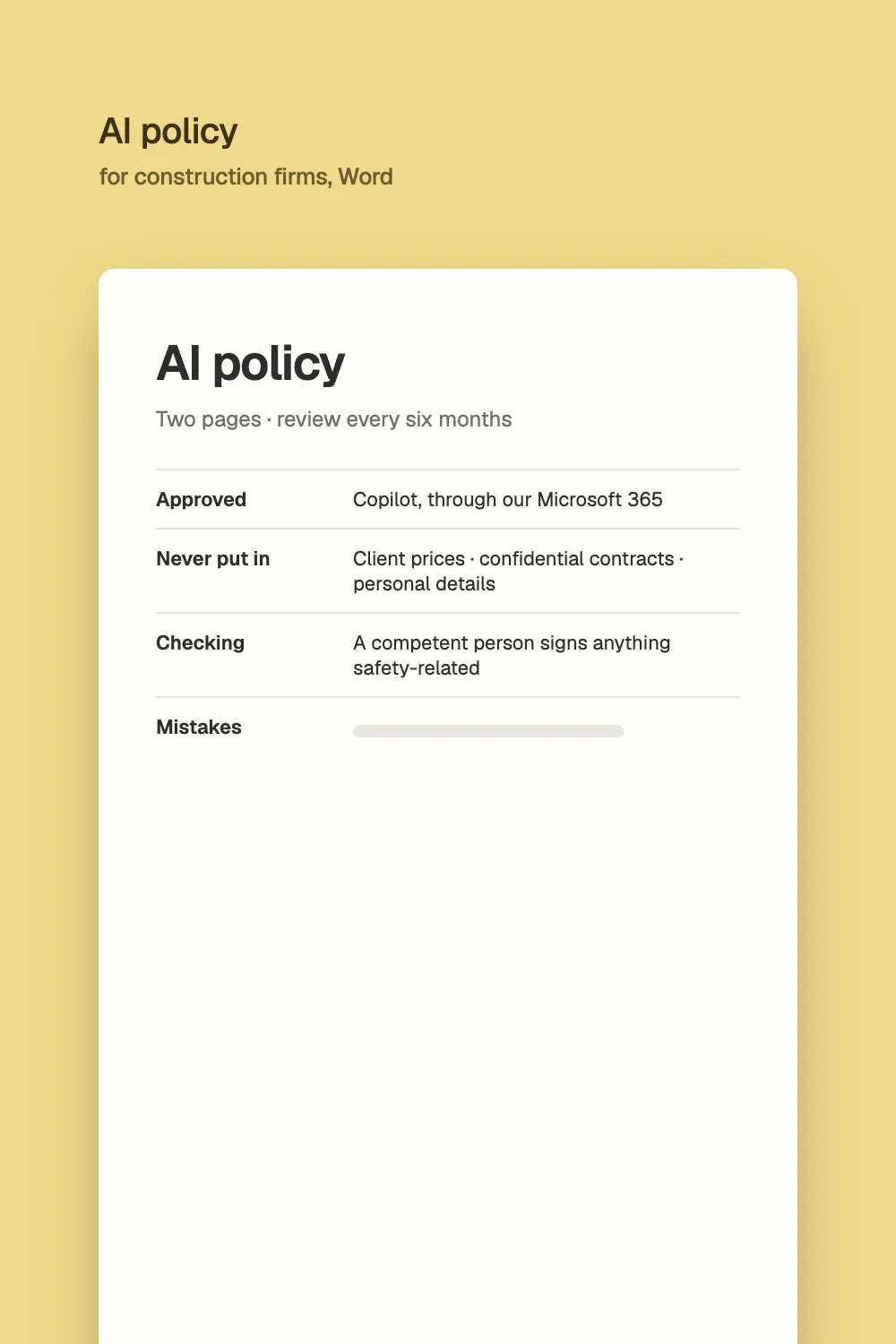
Two pages your team can follow from Monday
Put them in the check with one other office job and see which one AI should take on first. Free. Any work after it is agreed separately.